Incident management that lives in Discord.
Declare, coordinate, and resolve — without leaving your server. Dedicated channels, automatic status pages, and AI that keeps your community informed while your team fixes the problem.
Status
In progress
Platform
Discord
Price
Free
The problem
Your community is on Discord. Your incident tooling isn't.
Coming from the DevOps world, I'd used Incident.io and loved it. But when I moved to a company where the entire community lived on Discord, there was nothing. No way to declare an incident, spin up a war room, or keep users informed — all in the place where your team and members already are.
Most teams cobble together a workflow with manual channel creation, @everyone pings, and someone remembering to update the status page an hour later. It's chaotic, things get missed, and your community loses trust every time.
IncidentRoom fixes that. One trigger — a webhook from your monitoring, or a slash command from an engineer — and the entire incident workflow kicks off automatically. The right people are in the right channel, the status page is live, and AI handles the communication so your team can focus on the fix.
How it works
Trigger. Respond. Resolve.
One-click installation
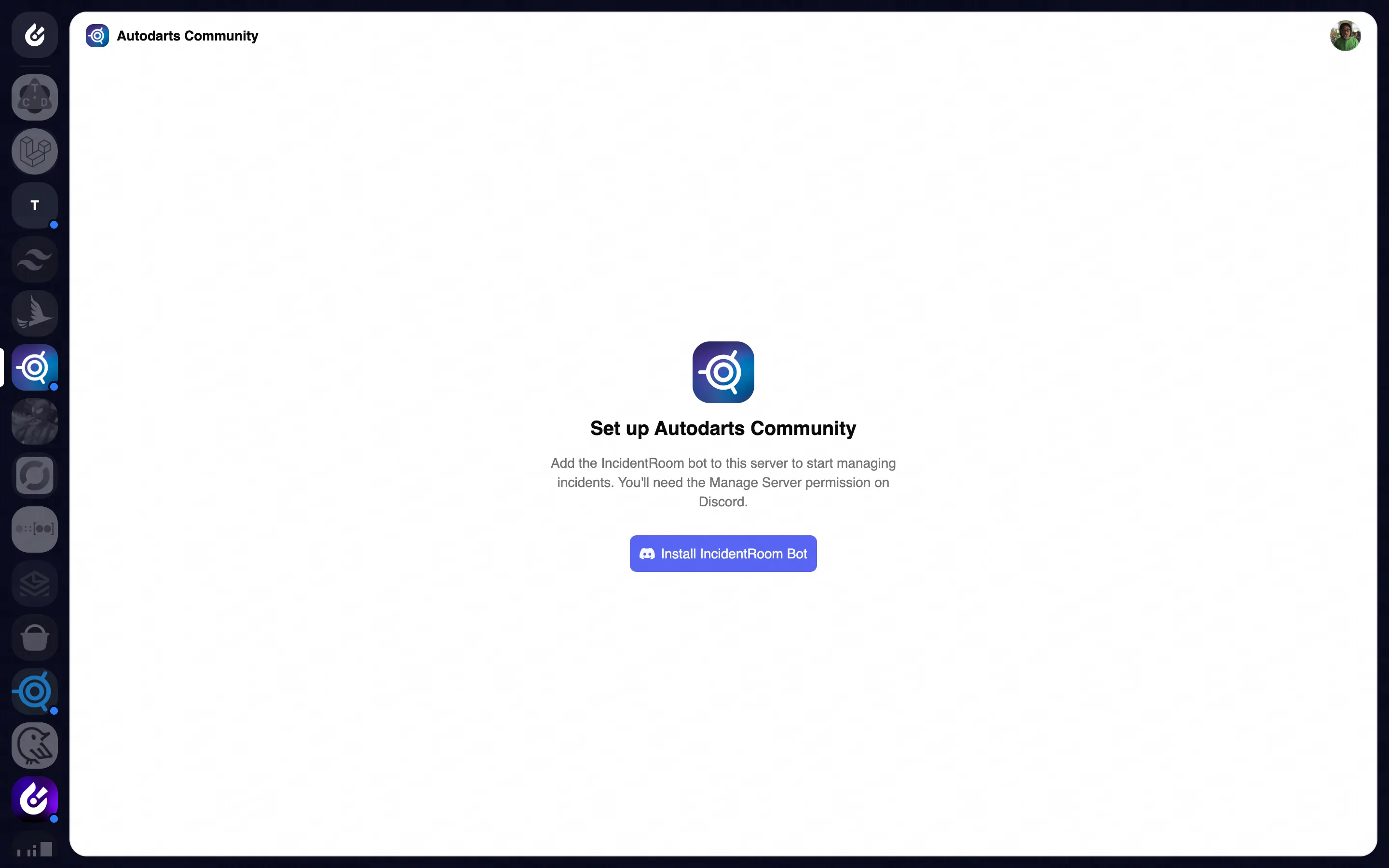
Login with Discord, and you automatically have access to every server you manage. Pick a server, install the bot, and you're running — no config files, no environment variables, no setup calls.
Dedicated incident channels
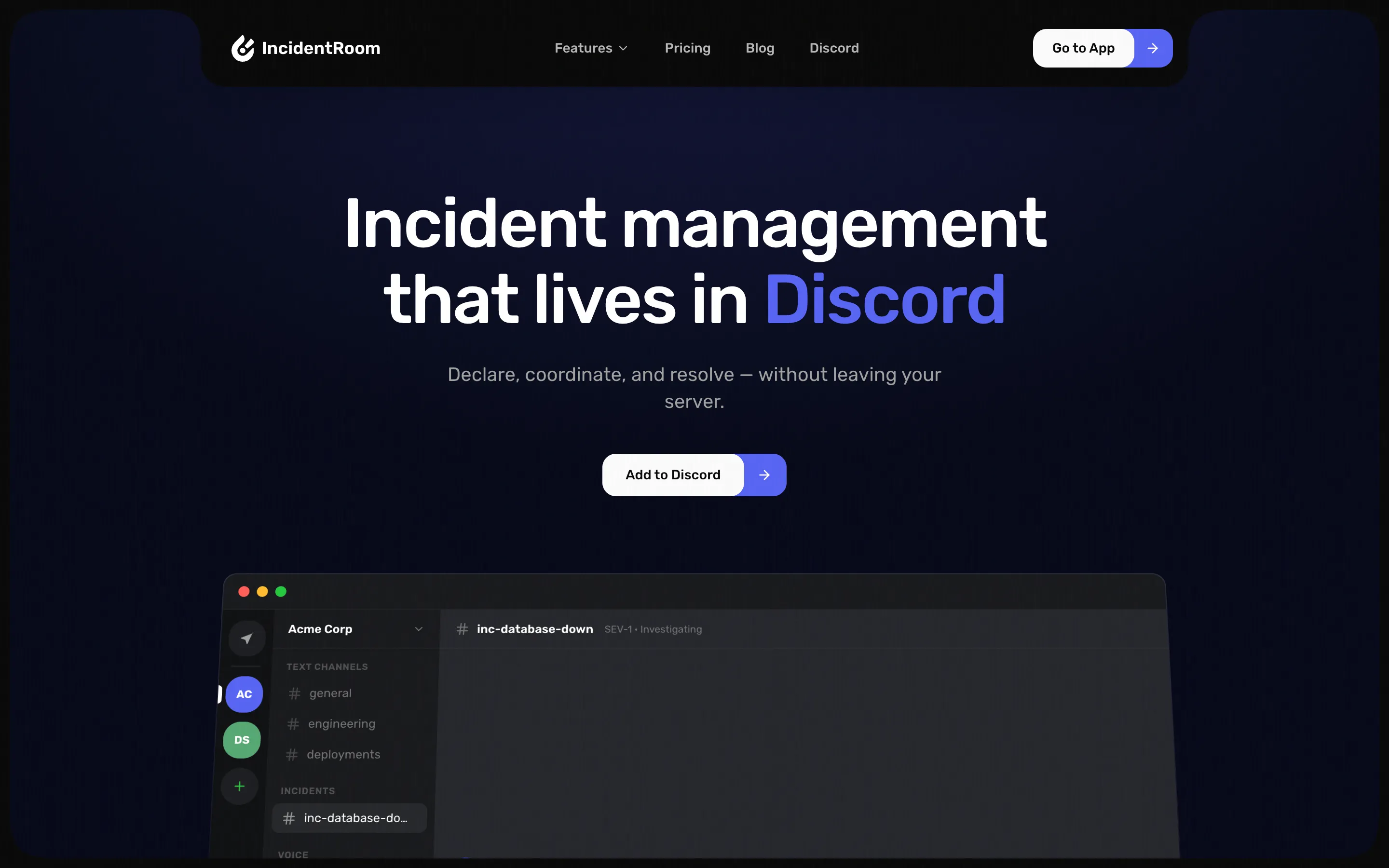
Trigger incidents via external webhooks or manually from the dashboard. IncidentRoom spins up a dedicated Discord channel, pulls in the right responders, and keeps everything contained — no more scrambling across DMs and threads.
Automatic status pages
Every incident automatically updates a public status page at incidentroom.io/status. Your community sees what's happening in real time without engineers having to context-switch to write updates.
AI-powered comms
IncidentRoom uses AI to read the channel contents and draft community updates while engineers focus on the actual problem. It auto-resolves when the incident is closed — no loose ends, no forgotten status pages.
Free to use
Your next incident, handled.
Add IncidentRoom to your Discord server in seconds. No credit card, no setup calls — just better incident management.